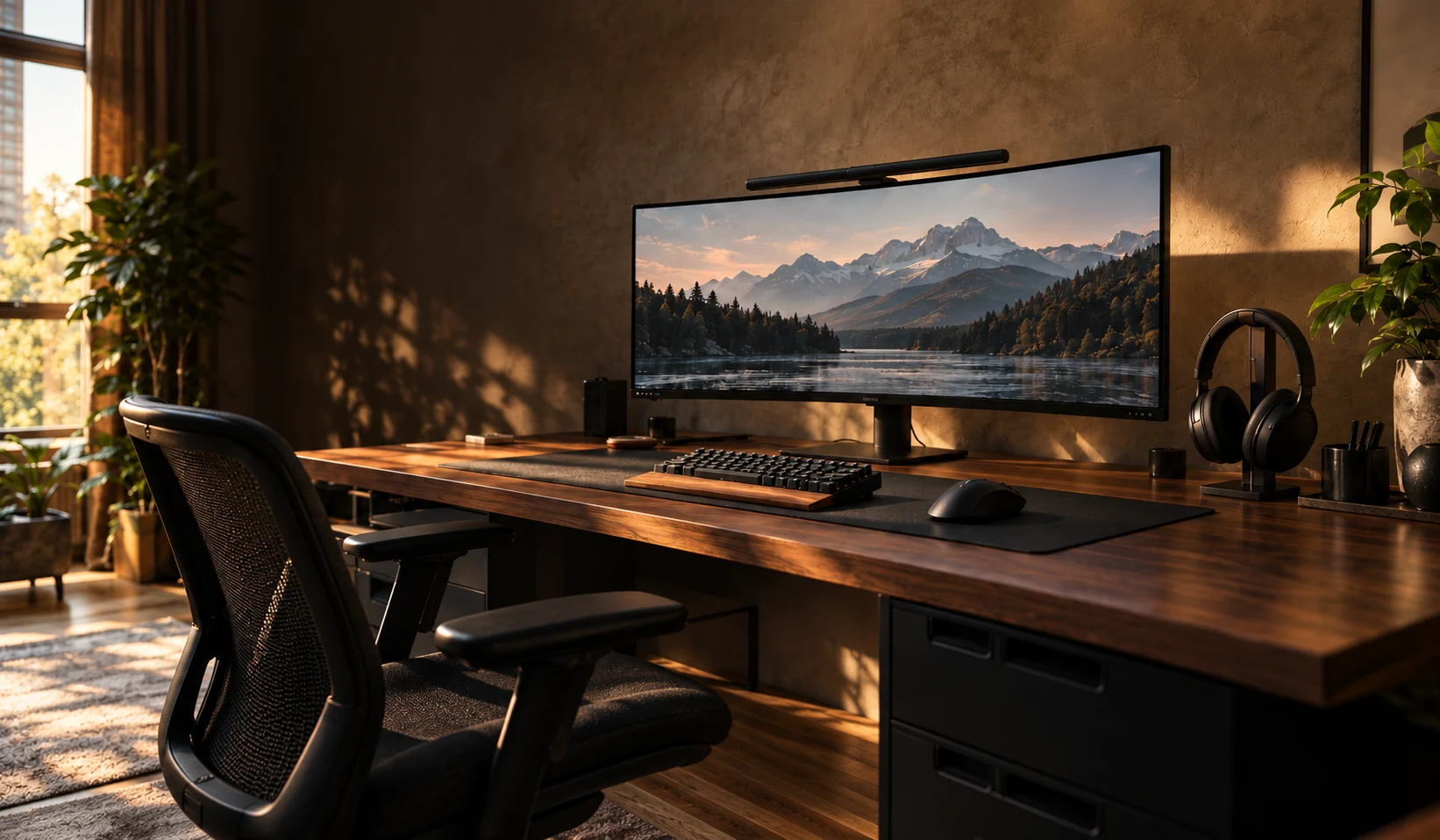
A small desk. A setup you want to come back to.
More mouse space, fewer awkward purchases. A practical route through keyboards, screens and headsets for a desk that does two jobs.
Illustrative scenario: Alex is a fictional character, not a customer testimonial. Updated 3 November 2026.
Make the idea work for you.
Follow the steps at your own pace. Start with the need, check what fits, then decide whether to buy.

Buying is optional.
Step 1 of 3
Keep the screen if it already does the job
Measure the desk width and depth, including the monitor stand. Check the model’s connections against the computer or console. A new display belongs on the list only if the existing one is the limitation.
Compare screens for my deskStep 2 of 3
Choose the keyboard around how you use it
A compact layout can leave more space beside it, but losing a number pad is a poor trade if your work depends on it. Measure the keyboard footprint and keep the keys you actually use.
Find a keyboard for my spaceStep 3 of 3
Check the headset connection before the colour
Read the exact PC or console support, microphone connection and wired or wireless requirements. A headset that looks right but needs a different connection has not solved the problem.
Compare headsets for my platformWatch: use GVT’s comparison tool 12 seconds · silent · text on screen
See where to click, using two monitors as an example. This shows how the tool works; it is not a product recommendation.
The same demo, in words
- Open Compare. Choose a product type and press “Choose products”.
- Choose a model in “First product” and a different model in “Second product”, then press “Compare my choices”.
- Read “The trade-off”, “Reasons to choose” and “Consider first”. Check setup requirements before opening retailer options. The picker includes products with enough buying advice for a useful comparison.
Demo recorded 4 November 2026. Catalogue details can change. Prices are not part of the demo.
Alex uses the same desk for work by day and games in the evening. There is room for a screen and keyboard, but moving the mouse means nudging something out of the way. Every upgrade looks tempting. None answers the question: will this make the desk easier to use?
It is frustrating to spend money on a hobby and still feel squeezed into the corner. Alex wants a desk that feels ready to use, without buying an entire room of new gear.
The obstacle: buying one impressive thing at a time
A bigger screen, a wider keyboard and another accessory can each look like an upgrade in isolation. Put them together and the desk may be harder to use. The problem is a shopping list built around specifications before anyone checks the space.
Buy first and measure later, and the next delivery could mean another return, a cable that does not connect, or a screen sitting too close. More expensive gear does not automatically make a more comfortable setup.
Start with what gets in your way
GVT gives you a route through the choice: identify the problem, compare the relevant options, read the drawback, then check the exact model before buying. For Alex, the first job is to recover usable desk space. The second is to make switching between work and games simpler.
Real products to consider, if they fit the need
These are starting points to compare, not a shopping list you need to complete. Open the product page for GVT’s research, drawbacks and current retailer options.
Wooting 80HE
The need: Keep function and arrow keys in a smaller keyboard layout.
An 80% layout with adjustable actuation: an option to compare for a desk shared between work and games.
When to skip: Skip if you rely on a built-in number pad or your existing keyboard already gives you enough room.
See Wooting 80HE: fit, drawbacks and buying options
Source-checked fact: Wooting specifies an 80% keyboard layout and adjustable key actuation.
Manufacturer documentation · Fact checked 3 November 2026.
SteelSeries Arctis Nova 5
The need: Explore wireless audio when the headset cable is the daily frustration.
A wireless model to compare against the recipient’s current headset. Check the exact platform version before choosing.
When to skip: Skip if they prefer a wired headset, already have one they like, or you cannot confirm device compatibility.
See SteelSeries Arctis Nova 5: fit, drawbacks and buying options
Source-checked fact: SteelSeries identifies the Arctis Nova 5 as a wireless headset. Check the exact platform version before buying.
Manufacturer documentation · Fact checked 3 November 2026.
Picture the everyday after the purchase
The aim is a desk Alex can sit down at and use: room to move, the right connections and fewer things to rearrange. The satisfying part is the everyday routine after the delivery, rather than the size of the order.
You become the person who knows why each item belongs in the setup. Start with one frustration, fix it, and leave the rest of the budget alone until there is another clear need.
See the free gaming setup guide
Why use GVT to choose?
Our comparisons bring the options, drawbacks and UK retailer routes together, so you can judge what fits your situation. We use published specifications and review research, rather than claiming hands-on testing. Read how we pick.
Links to retailers may earn GVT a commission at no extra cost to you. Check the exact model, compatibility, current price and returns terms with the retailer. Choosing to keep what you already own is a useful outcome too.
Read product reviews · Compare my options · More buying ideas
Make your next upgrade easier to choose.
We’re preparing GVT buying notes: useful comparisons, setup guides and gift ideas, with reasons to choose and reasons to skip. Join the free list to hear when they’re ready.
Free to join. We use your email for these buying notes. How we use your data.