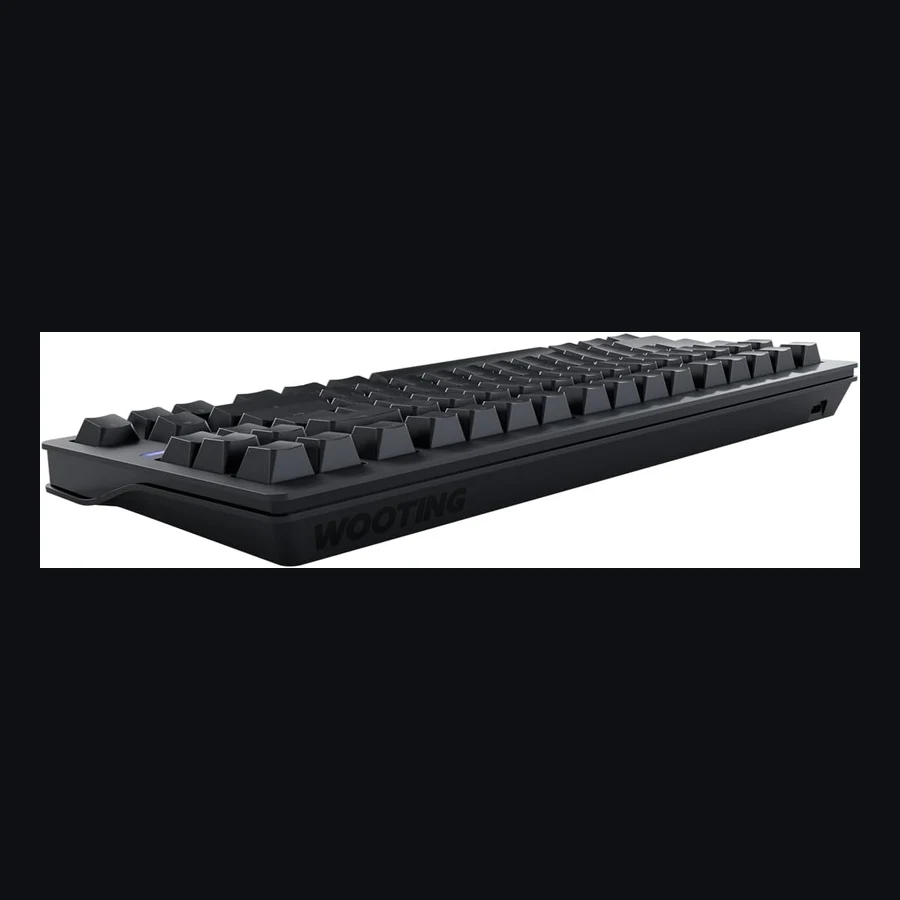
Wooting 80HE
The board to buy when you want Wooting Rapid Trigger without living in 60% purgatory, F-row and arrows matter for work+game.
Hall Effect, Optical, and Budget Picks Tested
We tested five of the best gaming keyboards in 2026. From hall effect speed demons to budget mechanical workhorses, here's which one deserves your desk space.
The board to buy when you want Wooting Rapid Trigger without living in 60% purgatory, F-row and arrows matter for work+game.
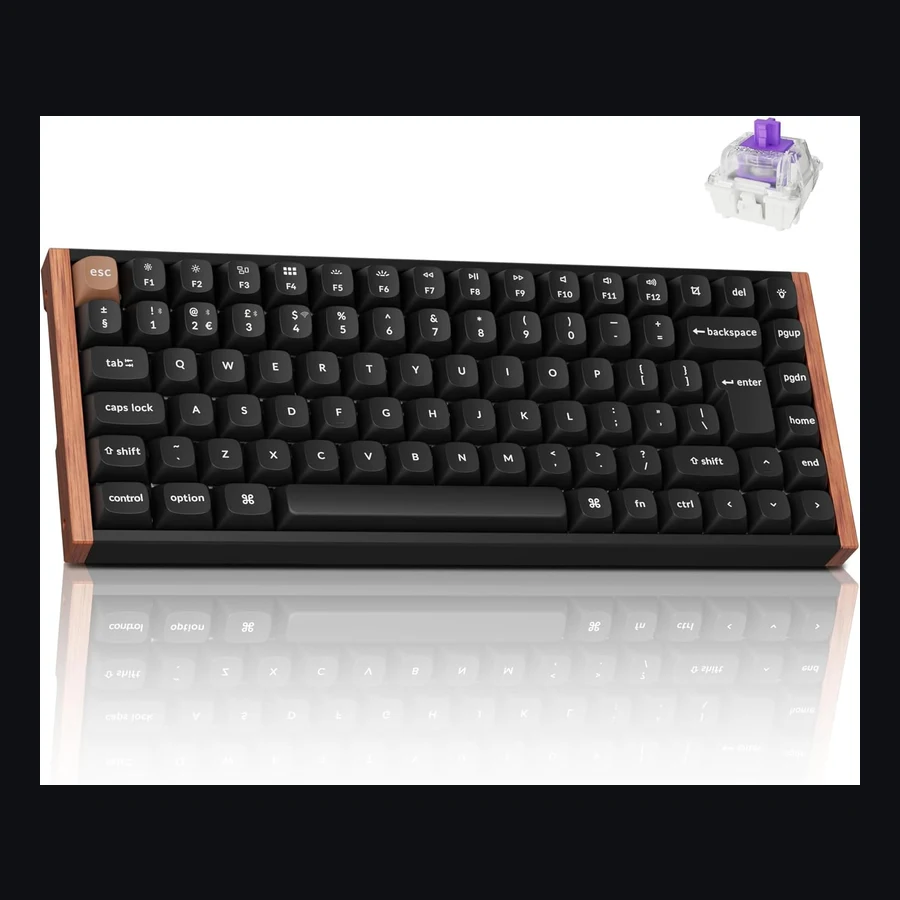
The honest UK pick when you need HE feel, Bluetooth/Mac-friendly layouts, and a board that survives weekday Slack.
Gaming keyboards in 2026 span a massive price range — from £30 membrane boards to £250+ custom builds. Here's what the five best actually cost as of June 2026:
| Keyboard | Switch Type | Price (Amazon UK) | Form Factor | Connection |
|---|---|---|---|---|
| Wooting 80HE | Hall Effect (Lekker) | £180–200 | 80% (TKL) | Wired (USB-C) |
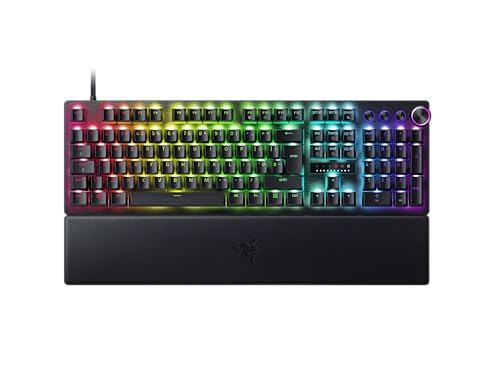
| Razer Huntsman V3 Pro | Optical (Gen-3) | £180–220 | Full / TKL / Mini | Wired (USB-C) |
| Keychron K2 HE | Hall Effect (Gateron) | £100–130 | 75% | Wireless + Wired |
| Corsair K70 CORE | Mechanical (Corsair Red) | £70–90 | Full | Wired (USB-C) |
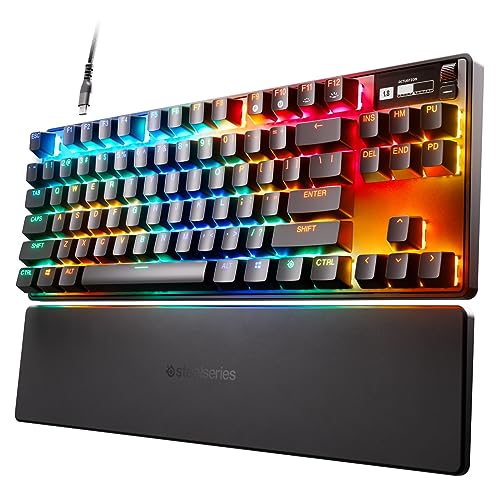
| SteelSeries Apex Pro TKL | OmniPoint 2.0 (Hall Effect) | £170–190 | TKL | Wired (USB-C) |
Five-year total cost of ownership is near-zero for all of these — keyboards don't have subscriptions or consumable parts beyond the occasional keycap replacement (£15–40 for a PBT set). The real cost consideration is whether you'll keep the keyboard or upgrade in 18 months when the next switch technology drops. Hall effect boards like the Wooting and Keychron K2 HE have the longest relevance window right now.
Every keyboard here has flaws. Here's what owners actually complain about, sourced from Reddit r/MechanicalKeyboards, Amazon reviews, and manufacturer forums:
Best for: Competitive FPS players who want the lowest possible input latency.
Not for: Anyone who needs wireless, or who types as much as they game.
Best for: Razer ecosystem users who want one software suite for all peripherals.
Not for: Anyone who hates always-running peripheral software or wants custom keycaps.
Best for: Value hunters who want hall effect tech and wireless at a sensible price.
Not for: Competitive players who need the lowest possible polling rate and latency.
Best for: First-time mechanical keyboard buyers who want something reliable without spending £150+.
Not for: Competitive gamers who want rapid trigger or custom switch options.
Best for: Players who want hall effect tech with SteelSeries' ecosystem and the OLED display.
Not for: Minimalists who don't want screens, software, or gimmicks on their keyboard.
| Wooting 80HE | Razer Huntsman V3 Pro | Keychron K2 HE | Corsair K70 CORE | SteelSeries Apex Pro TKL | |
|---|---|---|---|---|---|
| Switch tech | Hall Effect | Optical | Hall Effect | Mechanical | Hall Effect |
| Adjustable actuation | 0.1–4.0mm | 0.1–4.0mm | 0.1–3.8mm | Fixed 2.0mm | 0.1–4.0mm |
| Rapid Trigger | Yes | Yes (Snap Tap) | Yes | No | Yes |
| Polling rate | 8,000 Hz | 8,000 Hz | 1,000 Hz | 1,000 Hz | 1,000 Hz |
| Wireless | No | No | Bluetooth 5.1 | No | No |
| Hot-swap sockets | Yes (HE only) | No | Yes (standard + HE) | No | No |
| Software | Web (Wootility) | Razer Synapse (required) | Keychron Launcher | iCUE (optional) | SteelSeries GG (required) |
| Build material | Aluminium plate | Aluminium top | Plastic | Aluminium plate | Aluminium frame |
| Weight | 1.1 kg | 1.0 kg | 0.8 kg | 1.1 kg | 0.9 kg |
| Price | £180–200 | £180–220 | £100–130 | £70–90 | £170–190 |
The Wooting 80HE is the best gaming keyboard of 2026. Its hall effect switches with Rapid Trigger and 8,000 Hz polling give competitive players a measurable advantage — and unlike Razer or SteelSeries alternatives, Wootility runs in your browser, not as bloated desktop software. The lack of wireless and the mediocre stock keycaps stop it from being perfect, but for pure gaming performance, nothing beats it right now.
Buy the Keychron K2 HE if your budget is £100–130. You get 85% of the Wooting experience — hall effect switches, rapid trigger, adjustable actuation — plus wireless and hot-swap compatibility, for roughly 60% of the price. It's the value winner by a considerable margin.
Buy the Corsair K70 CORE if you're spending under £90. It's a genuine mechanical board with solid build quality and zero software requirement. You give up rapid trigger and adjustable actuation, but if you're not playing competitive FPS at a high level, you won't miss them.
Sources: RTINGS.com keyboard reviews (2026), r/MechanicalKeyboards community feedback, Amazon UK verified purchase reviews, manufacturer spec sheets (Wooting, Razer, Keychron, Corsair, SteelSeries). Prices checked June 2026 via Amazon UK. Affiliate disclosure: As an Amazon Associate and eBay Partner, we earn from qualifying purchases.
This section is grounded in measurable traits and recurring UK/EU review themes — not marketing fluff. Scores can be middling when the product only fits a niche.
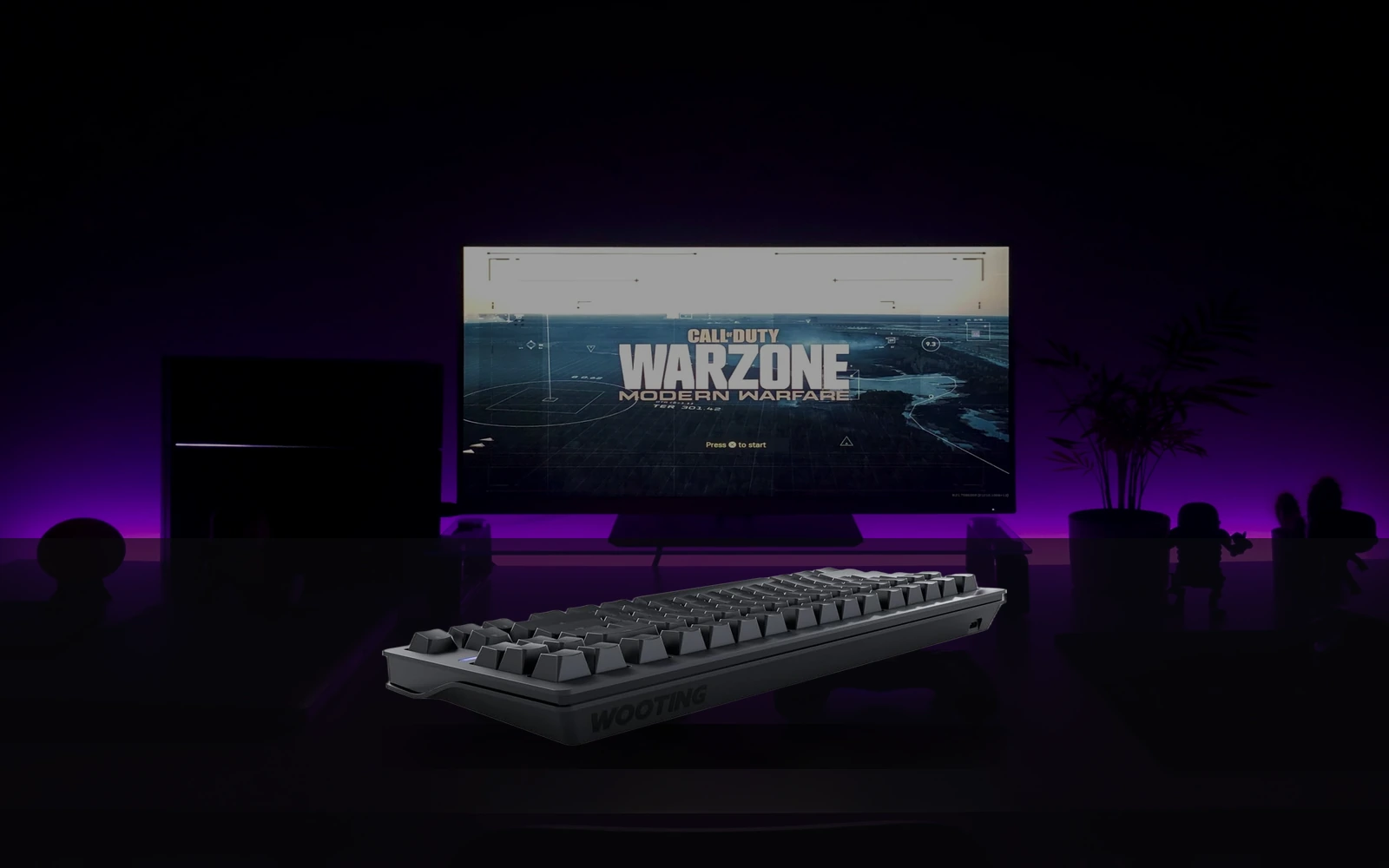
The board to buy when you want Wooting Rapid Trigger without living in 60% purgatory — F-row and arrows matter for work+game. Still not for people who refuse to learn Wootility.
Owners call it the practical Wooting: same HE magic as 60HE with usable navigation. Critiques centre on price vs Apex Pro TKL, gasket feel subjectivity, and occasional stock gaps on Amazon UK.
| Stat | Value |
|---|---|
| hot_swap | true |
| wireless | |
| form_factor | TKL / 80% |
| switch_type | Hall effect |
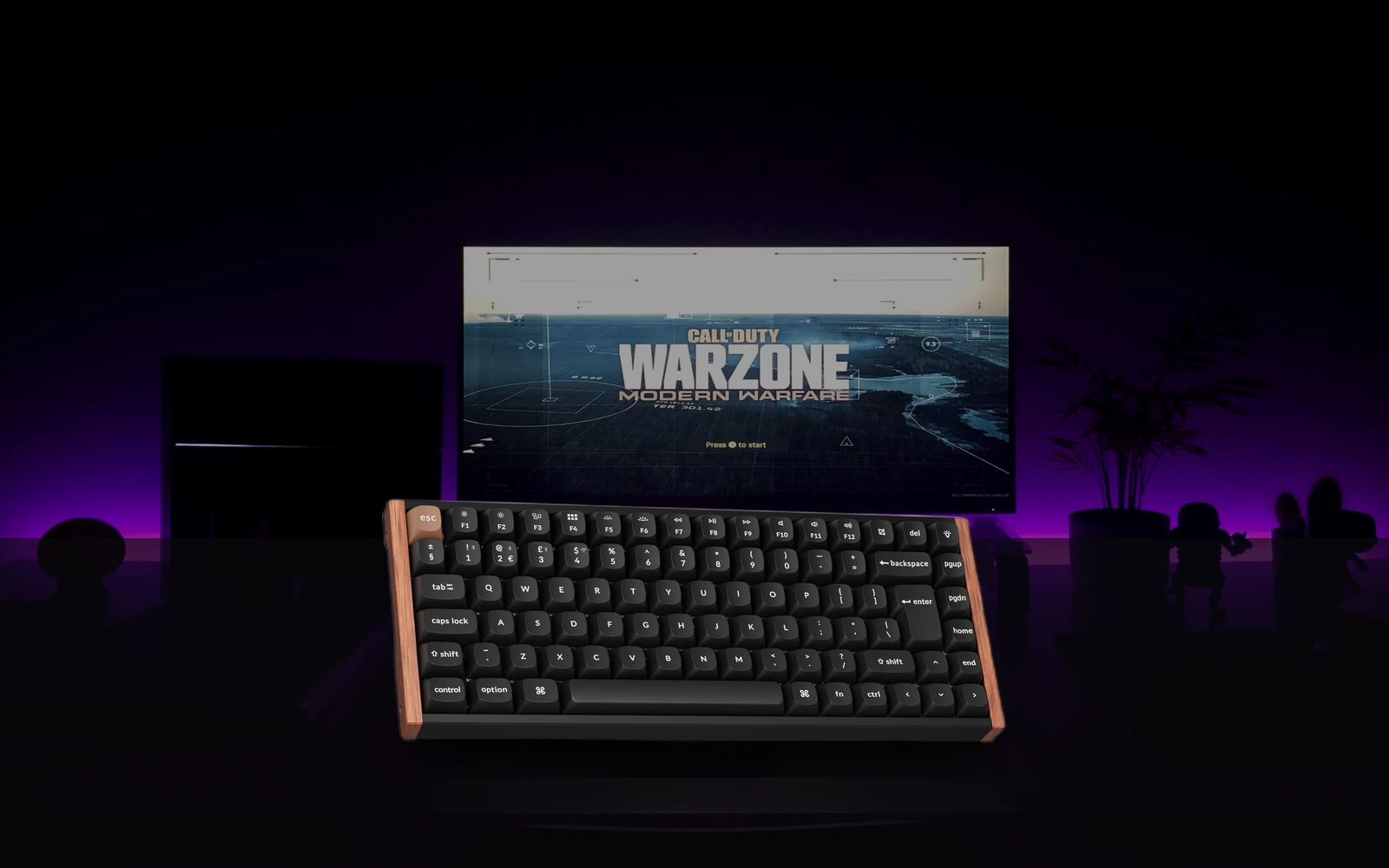
The honest UK pick when you need HE feel, Bluetooth/Mac-friendly layouts, and a board that survives weekday Slack. Not the absolute lowest latency tournament weapon.
Praise for build, gasket feel, and cross-platform use. Critiques: HE implementation less 'esports obsessive' than Wooting, battery life varies with RGB, and UK ISO SKUs sell out. Support is slower than boutique brands but parts availability is better.
| Stat | Value |
|---|---|
| wireless | true |
| form_factor | 75% / compact |
| switch_type | Hall effect |
Grading note: Gear Versus Tech scores performance 40%, value 25%, build 20%, ease of use 15%. A 7/10 can still be the right buy for a specific UK constraint (flat noise, ISO layout, renters).
The board to buy when you want Wooting Rapid Trigger without living in 60% purgatory — F-row and arrows matter for work+game. Still not for people who refuse to learn Wootility.
Owners call it the practical Wooting: same HE magic as 60HE with usable navigation. Critiques centre on price vs Apex Pro TKL, gasket feel subjectivity, and occasional stock gaps on Amazon UK.
| hot_swap | true |
| wireless | false |
| form_factor | TKL / 80% |
| switch_type | Hall effect |
The honest UK pick when you need HE feel, Bluetooth/Mac-friendly layouts, and a board that survives weekday Slack. Not the absolute lowest latency tournament weapon.
Praise for build, gasket feel, and cross-platform use. Critiques: HE implementation less 'esports obsessive' than Wooting, battery life varies with RGB, and UK ISO SKUs sell out. Support is slower than boutique brands but parts availability is better.
| wireless | true |
| form_factor | 75% / compact |
| switch_type | Hall effect |
Wooting 80HE is our pick (9.3/10) vs Keychron K2 HE at 8.7/10. We tested five of the best gaming keyboards in 2026. From hall effect speed demons to budget mechanical workhorses, here's which one deserves your desk space.
Around £190 on Amazon UK at last check (16 July 2026). Confirm on the retailer — prices move.
Choose Keychron K2 HE if you prioritise value over the overall winner (about £123.98 UK). See the score breakdown and drawbacks in the article.
Performance 40%, value 25%, build 20%, ease of use 15% — out of 10. Rankings are never sold. Full detail on our methodology page.
New versus matchups, garage-gym / gaming-room kit alerts, and deal notes. One email a week.
One email per week. Confirmation page next. Unsubscribe any time. Privacy.
Prices checked via the Amazon Creators API and may since have changed. Affiliate disclosure · How we test